


The people you played with
Friends, direct messages and the game’s own chat, so next week starts from a name rather than a search.
PickleCue for players
Find a court worth driving to, find a game that actually fits you, see who is already in, join in seconds — and keep the result when it is over.
01 Find
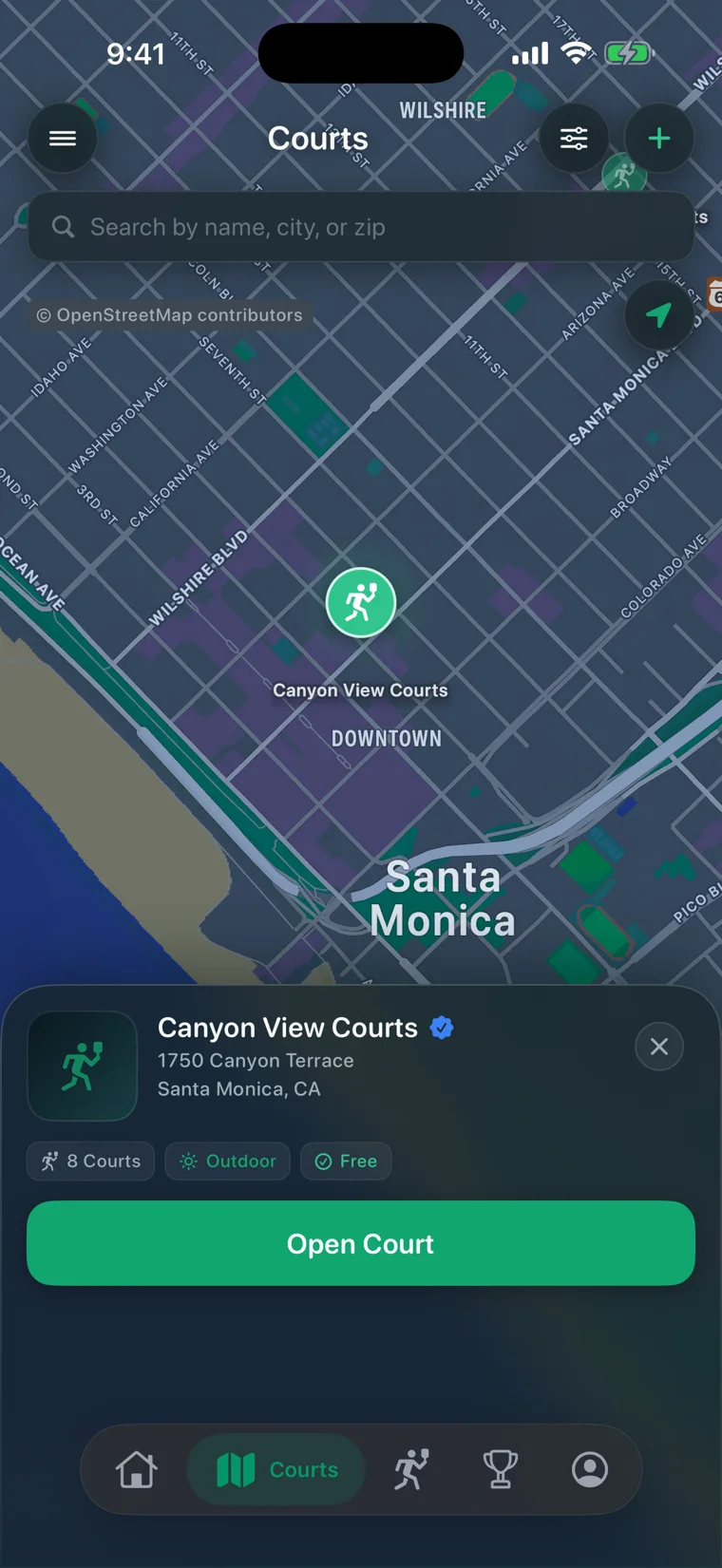
How many courts, indoor or out, free or paid, and the address — before you leave. Directions, check-in and the court’s own chat are all on the same screen.
02 Choose
Every open game states its terms up front, so you are not asking three questions in a group thread before you can decide.
03 Join
One tap to join. If it is full you take a waitlist place and move up automatically when somebody drops — nobody has to remember to tell you.
04 Play
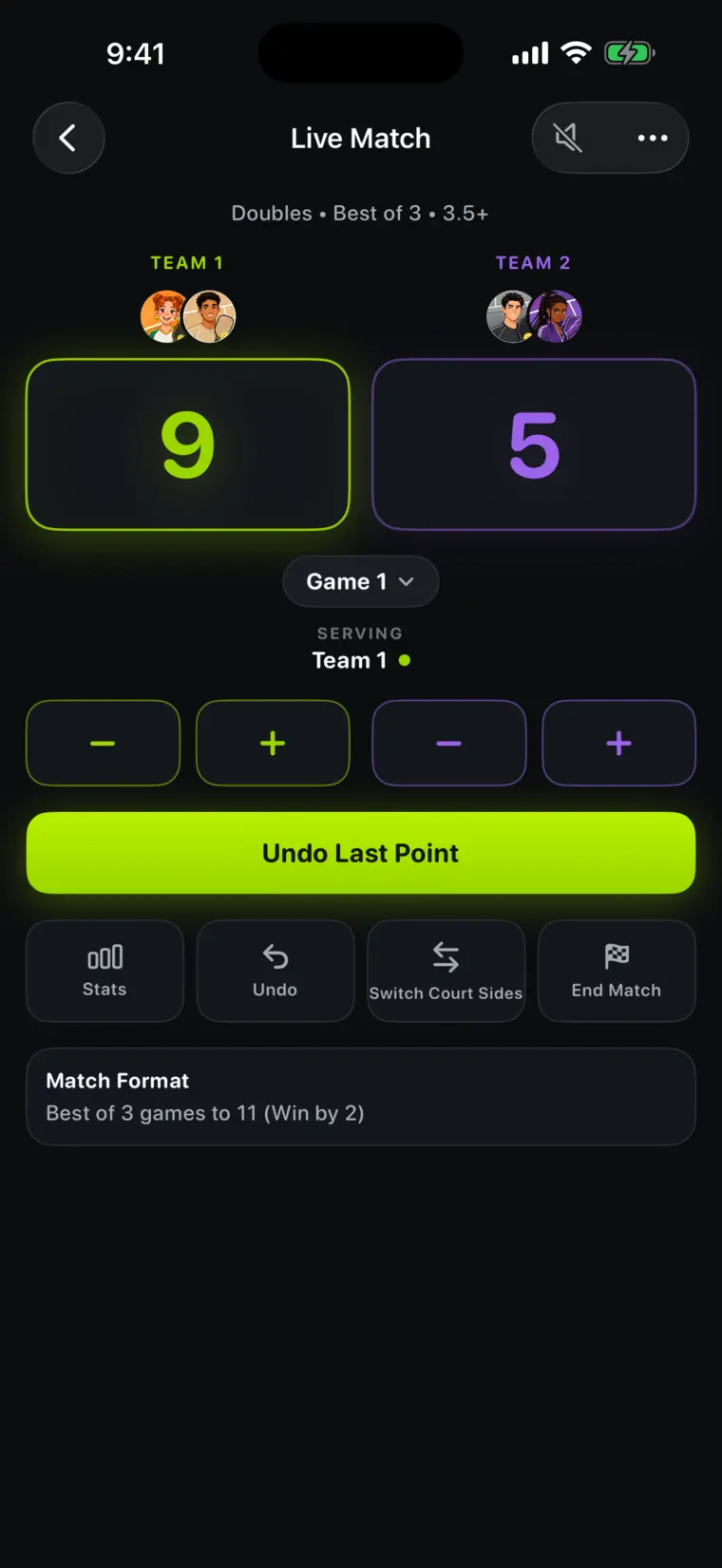
No arguing about the score or whose serve it is. The number moves at the same moment on the other players’ phones, on the public page, and on your Lock Screen.
05 Remember
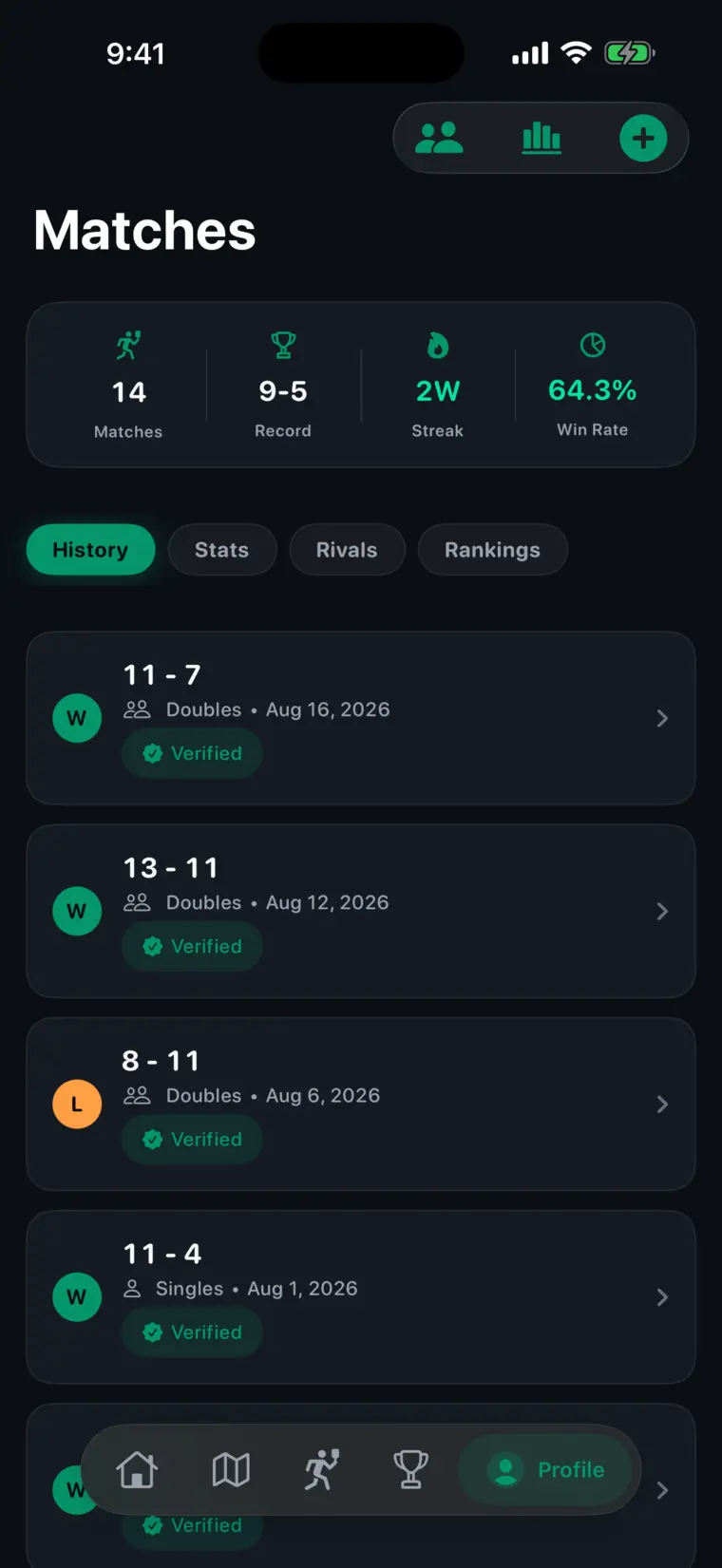
Record, win rate, current streak and recent form, from matches you already played. You are not keeping notes; you are just playing.
Plenty of groups run fine on a group chat. This is for the weeks when they do not.
The reason to keep PickleCue is not finding one game. It is not having to start over next week.
Friends, direct messages and the game’s own chat, so next week starts from a name rather than a search.
Notifications when a game fills, when a spot opens on your waitlist, and when something you joined changes.
Block, mute and report from any profile, chat or game. Blocking is enforced server-side and works both ways.
PickleCue is live on the App Store. Free on iPhone, in the United States. More countries are on the way.

Free on iPhone · Available in the United States
More countries are on the way.
Free core appNo adsNative iOS