


They score, you run it
A scorekeeper enters points for the court they were handed. Everything else stays yours.
PickleCue for organizers
Build the bracket, get players into it, keep scores moving, and give everyone a page they can follow — without a group thread, a printout and a spreadsheet all disagreeing with each other.
Creating tournaments and leagues is part of PickleCue Pro. Playing in them, and following them, is free.
01 Set up
A tournament or a league, with the format you actually run. You are not choosing between what the software supports and what your event is.
02 Fill
Share a link or a printed code. People register themselves, sign the waiver in the same flow, and arrive already on your list.
03 Run
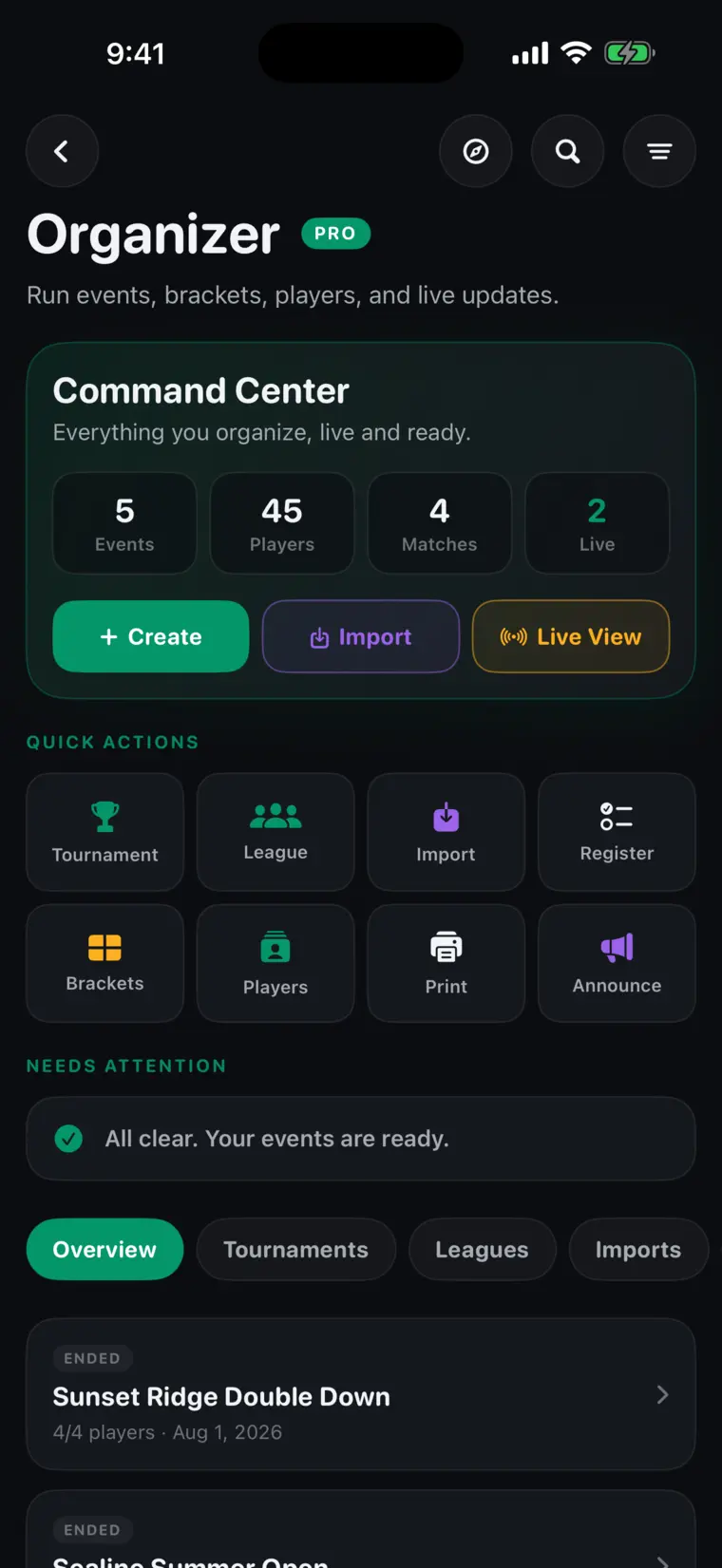
One screen for every event you are running: how many matches are active, how many players are in, and an explicit answer to “is anything waiting on me?” — rather than you going to look.
04 Advance
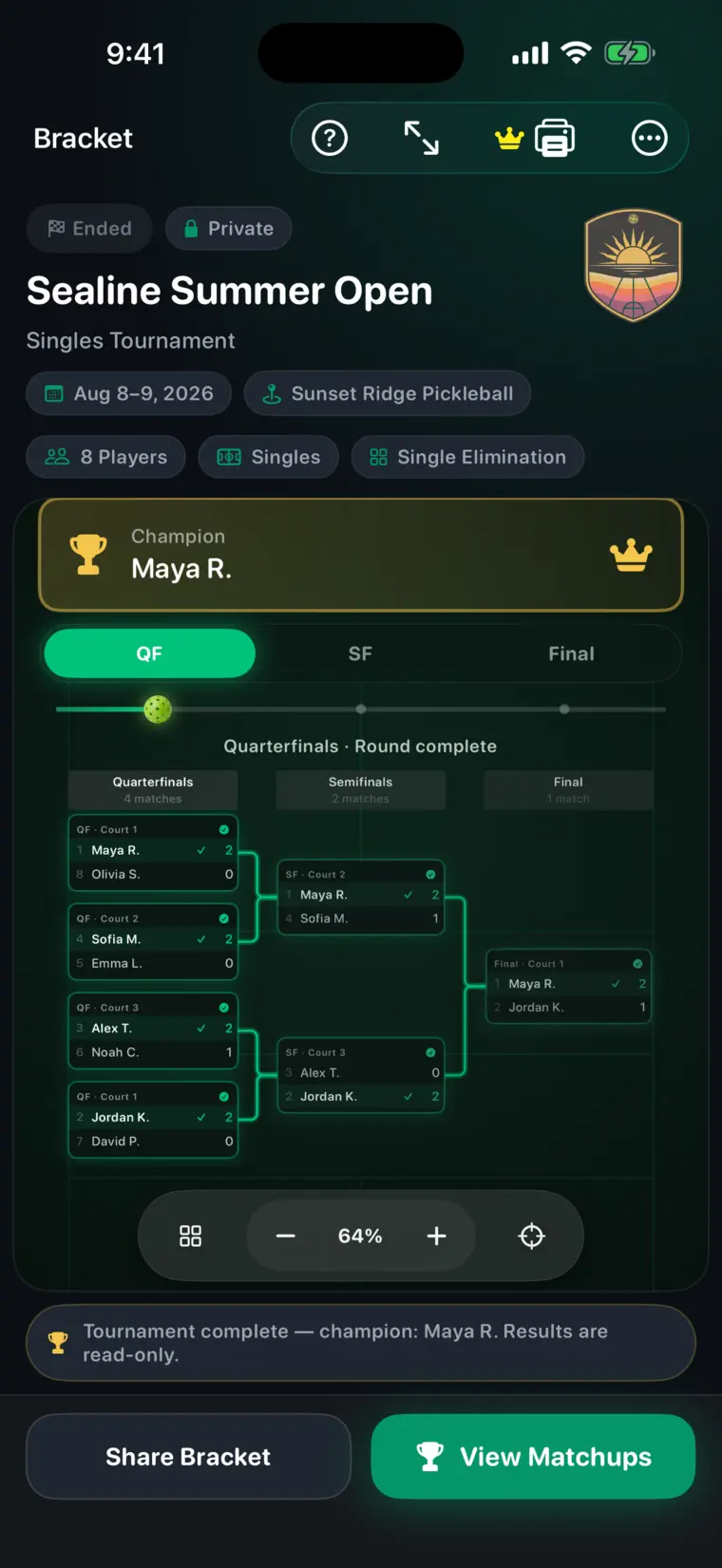
Enter a score once. The winner takes their place in the next round and the league table reorders itself. Nobody redraws a bracket on a whiteboard, and nobody is working from last night's version.
05 Share
Print the QR or read the six-character code out. Players and spectators open the event in a browser and stop asking you what the score is.
You do not have to be at every court. Give someone a court and they can keep score from their own phone — without becoming an organizer, and without being able to change anything else.
A scorekeeper enters points for the court they were handed. Everything else stays yours.
Players’ phones, the public page, the board at the venue and the Lock Screen, at the same moment.
A finished match can be fixed from the organizer side when somebody taps the wrong number.
Plenty of events run fine on a printout and a group chat. This is for the ones that have outgrown it.
Organizer tools are live. Download PickleCue free on iPhone in the United States. More countries are on the way.

Free on iPhone · Available in the United States
More countries are on the way.
Free core appNo adsNative iOS